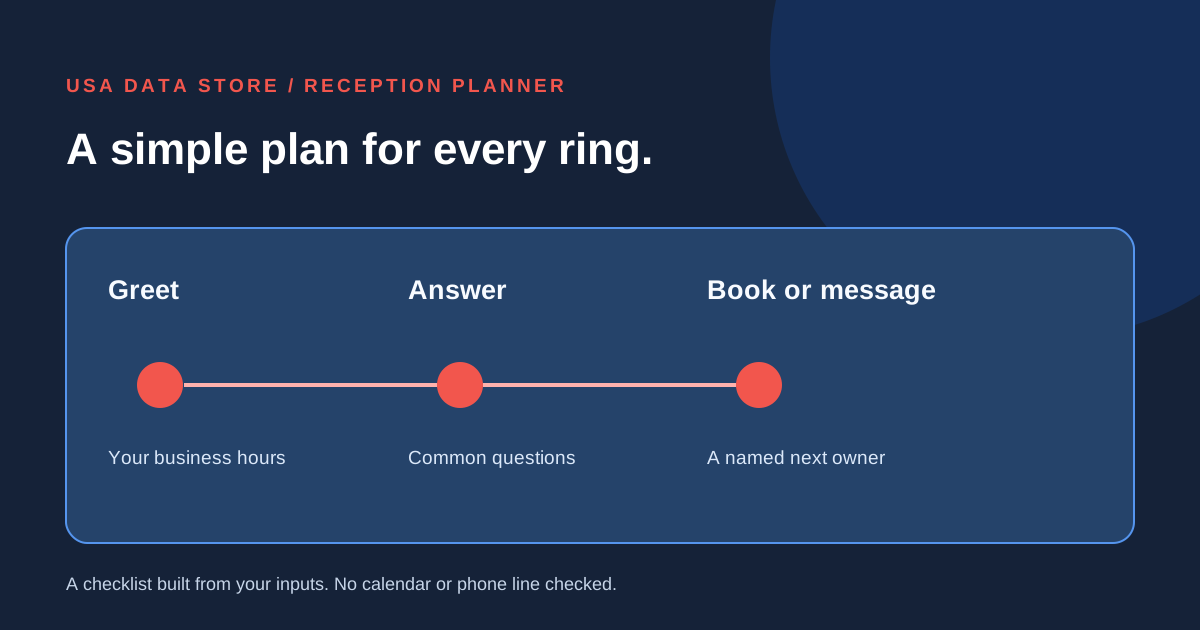
01 · Set the reception basics
Start with hours and common calls.
Enter your business hours and up to three calls you receive often. Choose whether each should get an approved answer, a message or an appointment path.
Your planning result
Your first-call checklist
Questions to resolve
02 · Team review
Keep the first setup simple.
Use these notes for the first sales-assisted call-flow setup.
Approved answers
Appointments
Messages
How the tool works
A plan to verify with your team.
What is counted
Business hours and at least one common call are required. Each named call needs a handling choice. Blank greeting and after-hours choices, plus missing owners for selected message, booking or urgent paths, become open decisions.
What remains unverified
This page does not answer a call, test a calendar, book an appointment or send a message. Confirm actual hours, availability, approved answers and owner coverage before setup.
Take the next step
Get a practical reception flow in place.
USA Data Store can help with a sales-assisted first setup for greetings, common questions, appointments and messages.
Put your plan in context
Read a related guide and a worked example →
Review your assumptions with the people who own the next step before configuring a live flow.